Velvarya VLV13Hidden Camera Detector
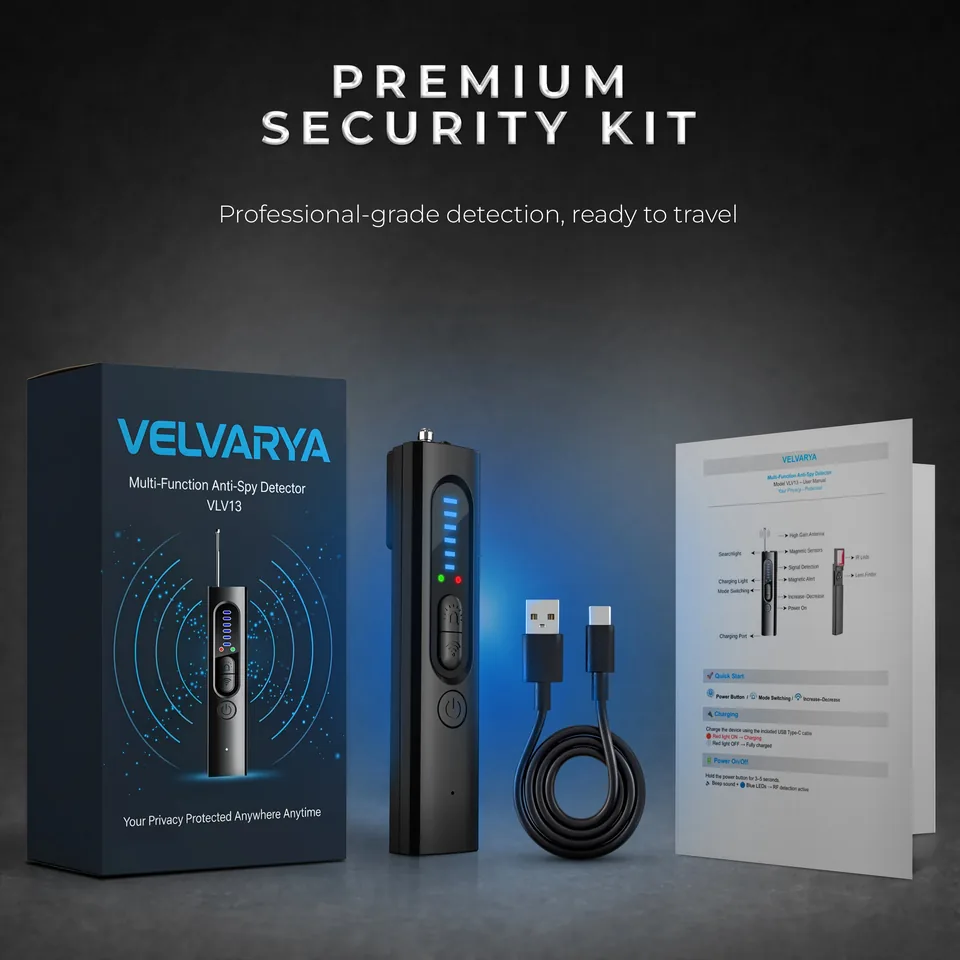
Multi-function anti-spy detector: RF signals, IR lens finder and magnetic field detection in one pocket-sized device.
MSRP $39.99
Available exclusively on Amazon.
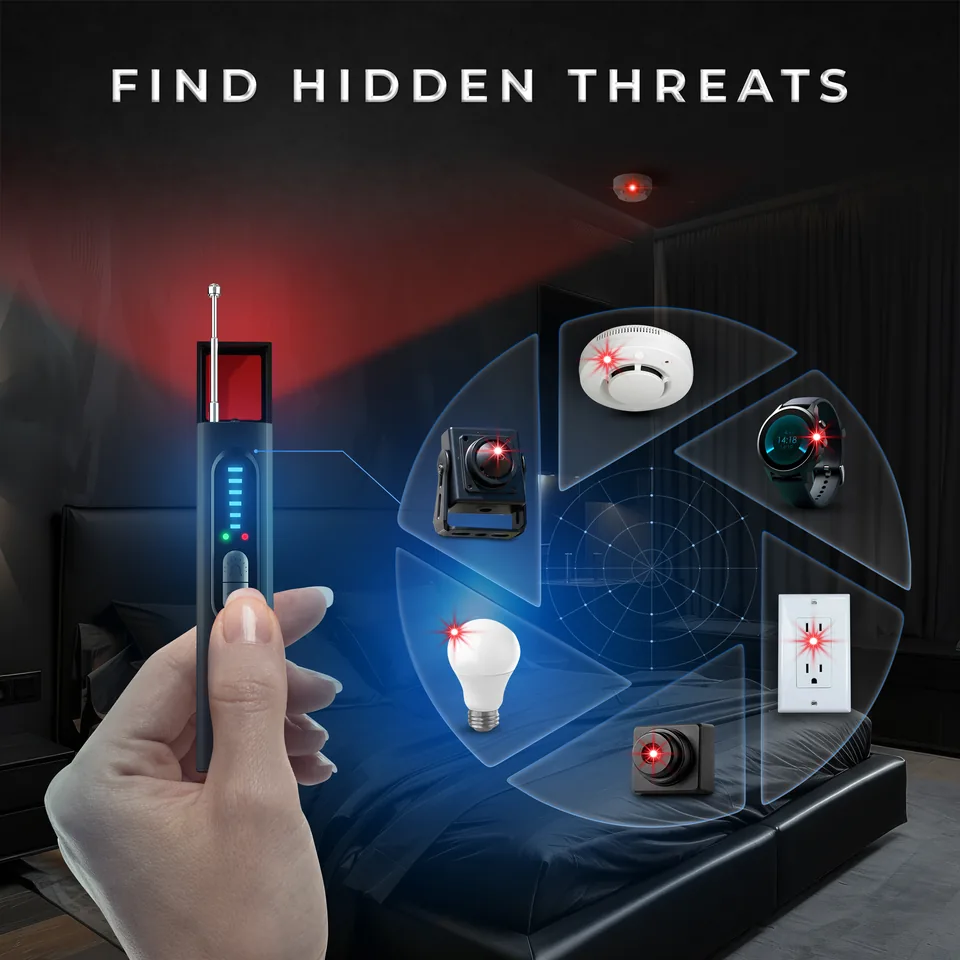
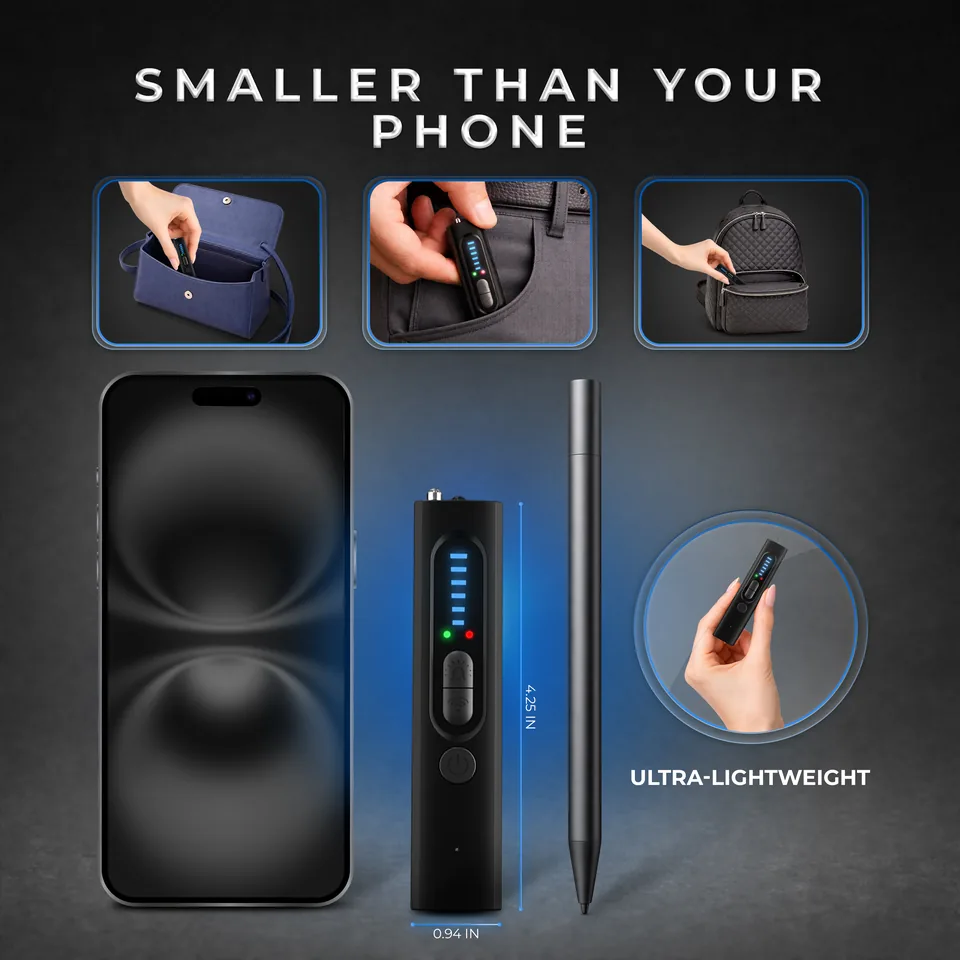

Three detection modes, one device
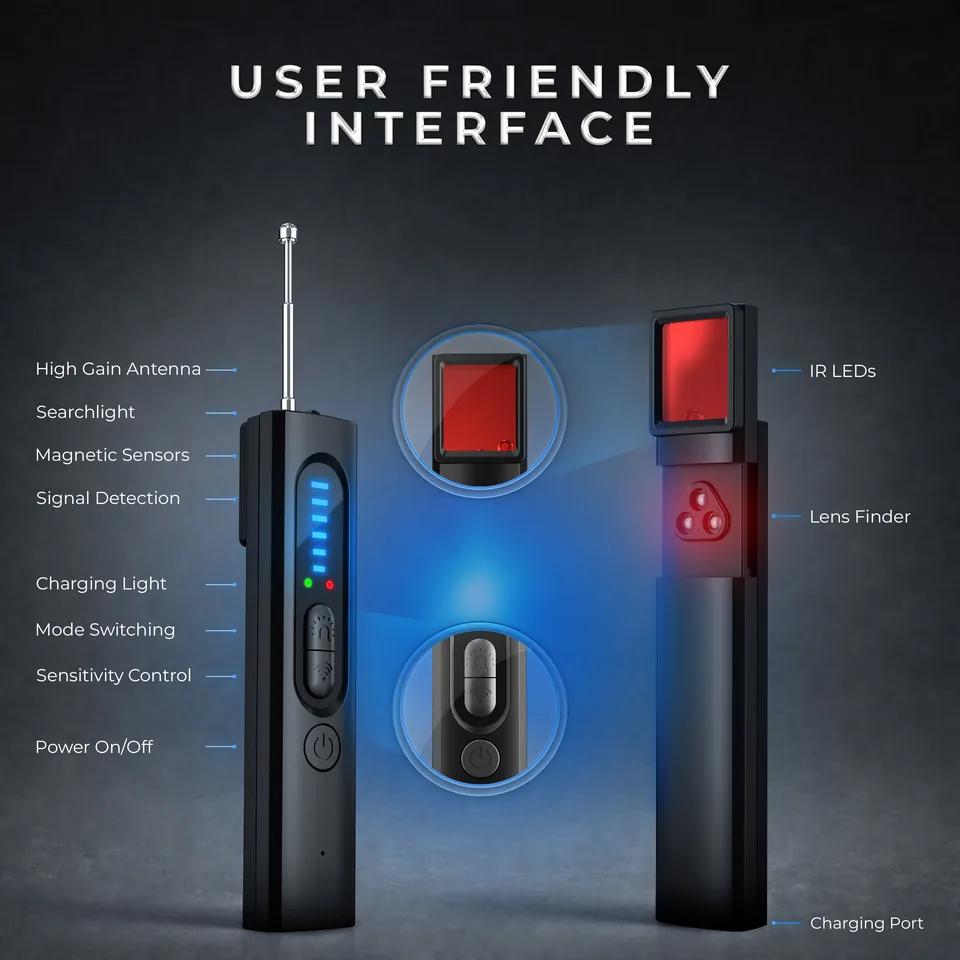
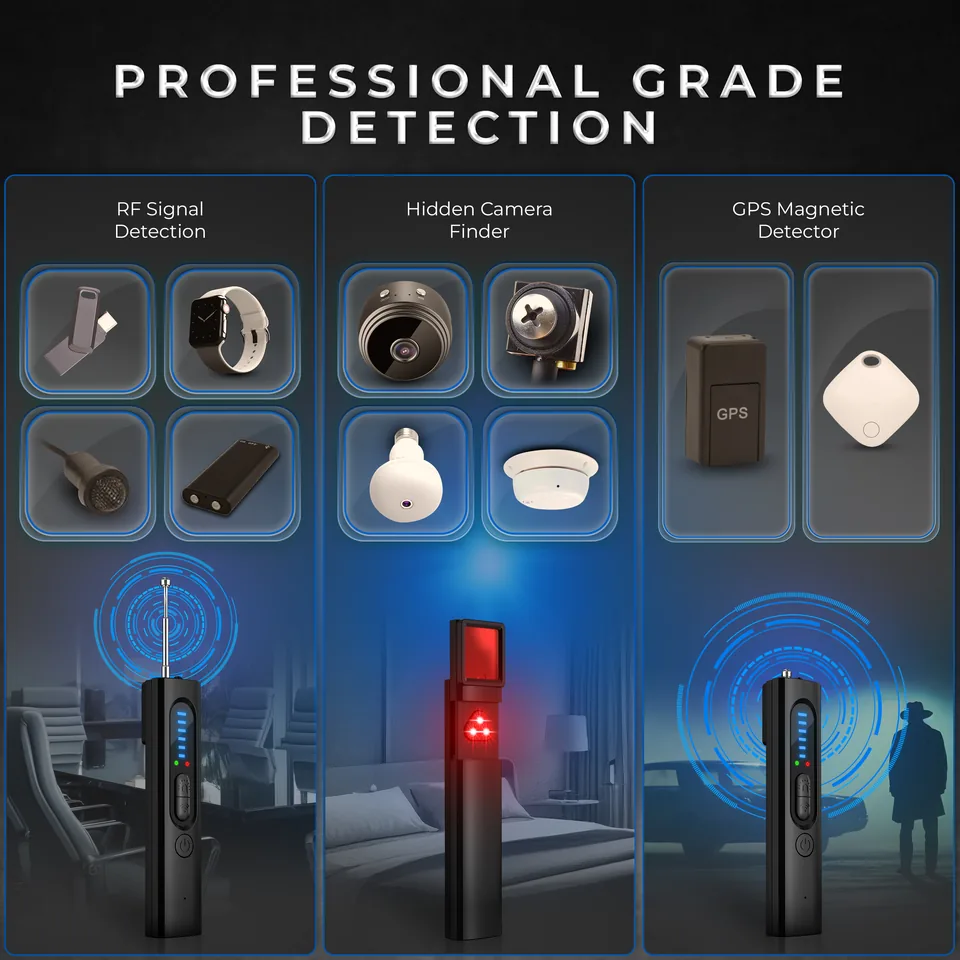
Switch between modes with the Mode button. Each mode has its own indicator light.
RF wireless signal detection
Flashing blue LEDs and a beeping sound tell you a wireless signal source is nearby. Raise the sensitivity to search a wider area, lower it to narrow down where the signal is coming from.
Hidden camera finder (IR lens mode)
Three IR lights turn on. Look through the lens and move the detector slowly: a bright flashing spot can be the reflection of a camera lens. Works best in dark environments.
GPS / magnetic field detection
Move the probe near metallic areas. A blue light and an alarm mean a magnetic field was detected, which can help you check for magnetically mounted devices.
- 5 adjustable sensitivity levels
- Silent mode with vibration alert
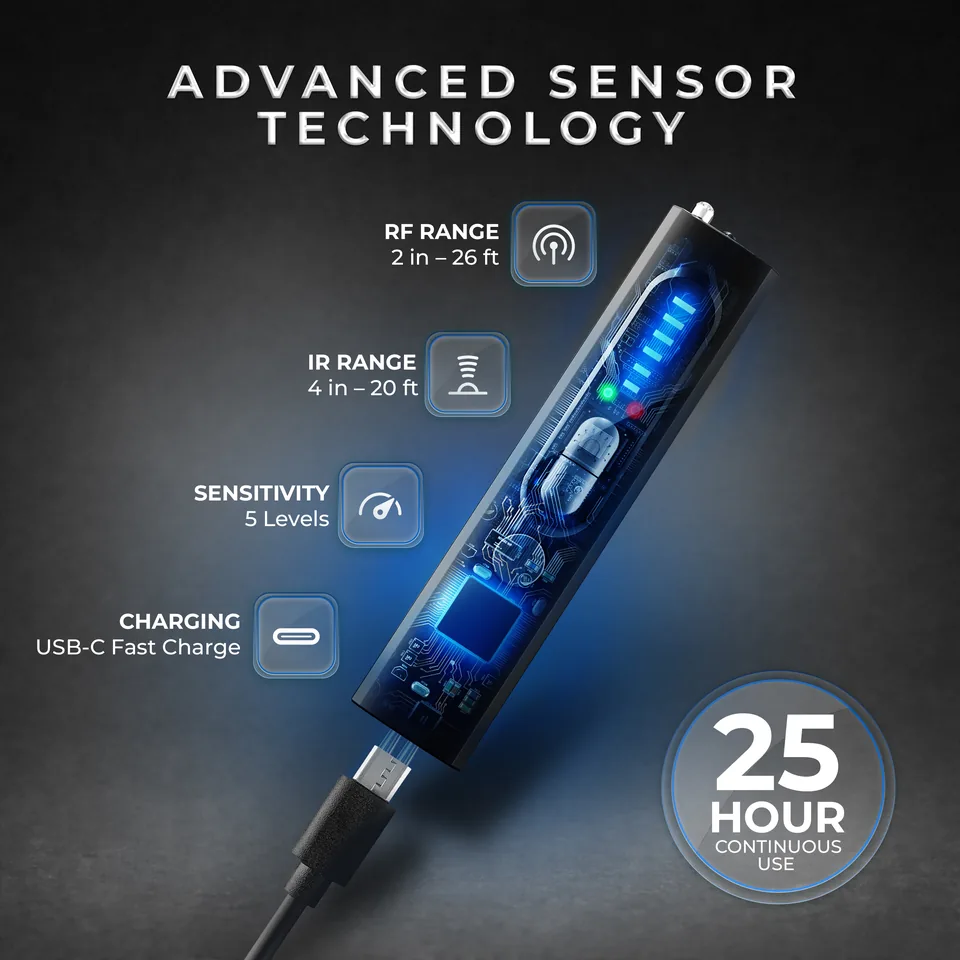
- USB Type-C charging, up to 25 hours of use
- Compact body: 4.25 × 0.94 × 0.59 in, 1.34 oz
Nearby magnets, speakers or metal tools may trigger false alarms. No detector can promise to find every device, so use it together with a careful visual check.
Use it anywhere you want a second look
Hotel and vacation rental rooms, rental cars, offices and meeting rooms, changing rooms, or the bag you travel with.


See it in action
The video is loaded from YouTube (youtube-nocookie.com) only after you press play.
Quick start
Charge
Connect the included USB Type-C cable. Red light on means charging, red light off means fully charged.
Power on
Hold the power button for 3–5 seconds. A beep and blue LEDs mean RF detection is active.
Scan for RF signals
Walk slowly through the room. When the LEDs flash and the device beeps, lower the sensitivity step by step to narrow down the source.
Check lenses with IR mode
Short press the Mode button until the three IR lights turn on. Look through the lens while moving the detector slowly, ideally in a dark room.
Check for magnetic fields
Press the Mode button until the green light appears, then move the probe near metallic areas. Blue light and an alarm mean a magnetic field was detected.
Prefer a quiet scan? Short press the power button to switch to vibration alerts.
Key specifications
- Model
- VLV13
- Dimensions
- 4.25 × 0.94 × 0.59 in (10.8 × 2.4 × 1.5 cm)
- Weight
- 1.34 oz (38 g)
- Charging port
- USB Type-C
- Battery
- 3.7V / 400mAh Li-ion
- Battery life
- Up to 25 hours
- Sensitivity levels
- 5 adjustable levels
- RF detection range
- 2 in – 26 ft (5 cm – 8 m)
- IR lens detection range
- 4 in – 20 ft (10 cm – 6 m)
Frequently asked questions
How do I charge the VLV13?
Use the included USB Type-C cable (DC 5V / 1A). The red light is on while charging and turns off when the battery is full.
How long does the battery last?
Up to 25 hours on a full charge. The battery is a 3.7V / 400mAh Li-ion cell.
How do I turn it on and switch modes?
Hold the power button for 3–5 seconds to turn it on. Use the Mode button to switch between RF, IR lens and magnetic field detection.
How do I use the IR lens mode?
Short press the Mode button until the three IR lights turn on. Look through the lens and move the detector slowly. A bright flashing spot can be a camera lens reflection. It works best in dark environments.
How do I narrow down where an RF signal is coming from?
A wider search area comes with higher sensitivity. Lower the sensitivity step by step as the LEDs flash and the device beeps to pinpoint the source.
Can I use it quietly?
Yes. Short press the power button to switch to silent mode, which uses a vibration alert.
Why did the magnetic mode alarm when nothing was there?
Nearby magnets, speakers or metal tools can trigger false alarms. Move the probe away from them and check again.
What is the detection range?
RF detection: 2 in – 26 ft (5 cm – 8 m). IR lens detection: 4 in – 20 ft (10 cm – 6 m).
Will it find every hidden device?
No detector can guarantee that. Results depend on the device, the room and the settings, so use the VLV13 together with a careful visual check.
Where can I buy it?
The VLV13 is available exclusively on Amazon.
I need help with my device.
Email us at the address in the Contact section and include your order details. We reply as soon as we can.